Organisation setup
Start with a branded learning workspace
ED Library gives each organisation a branded place for learning and to manage resources. This demo walks you through the subscription
Book a Demo
Explore the workflows that matter before you subscribe: courses, library, exams, records, certificates, payments, and learner access.
Organisation setup
ED Library gives each organisation a branded place for learning and to manage resources. This demo walks you through the subscription
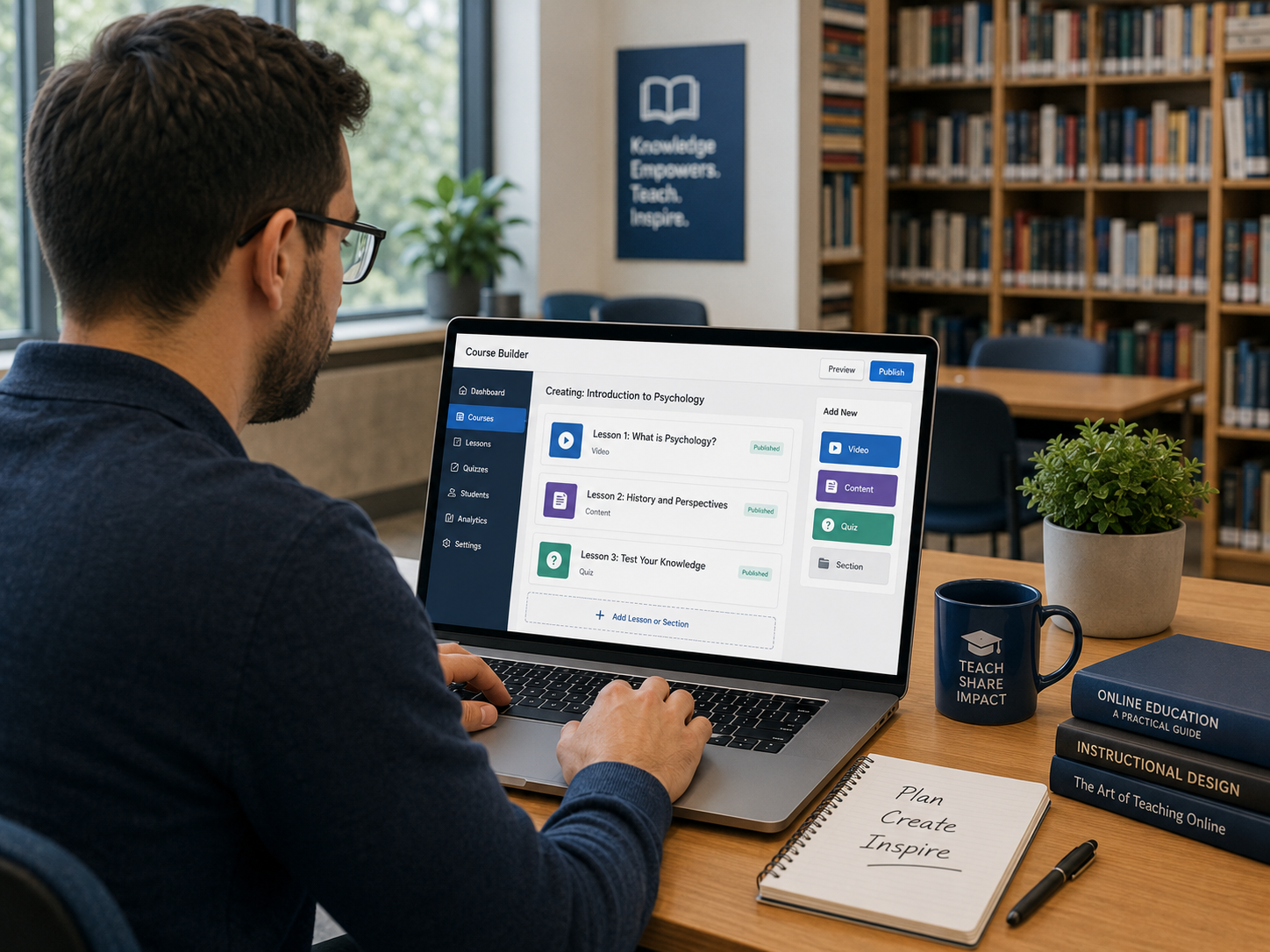
Teaching and resources
ED Library supports courses, uploaded videos, YouTube links, and online books
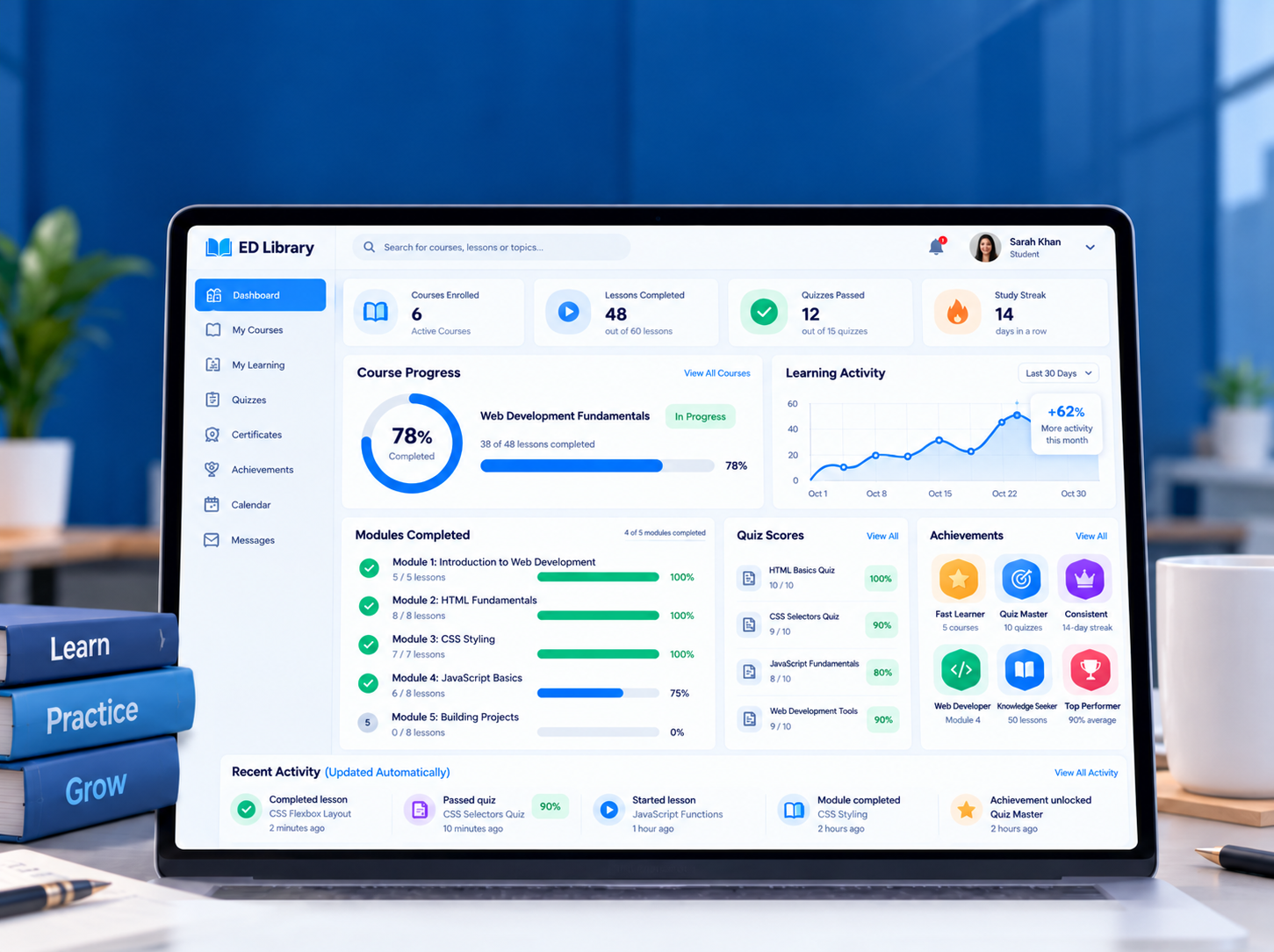
Learner journey
Understand how learner's progress is automatically tracked and exam creation techniques
Ready to talk?
We can show the setup path for your learning model, users, content, books, records, payments, and support needs.
Common questions
ED Library is designed for schools, tutors, training centres, course creators, NGOs, community organisations, and businesses that need a structured digital learning space.
Yes. Each organisation can use its approved domain, logo, theme colour, homepage background, and welcome expression without affecting other organisations.
Yes. The platform supports online courses, modules, multimedia content, digital books, chapters, pages, borrowing, purchasing, and controlled downloads.
Yes. Approved organisation staff can manage learner records, exams, results, certificates, school-fee collection, subscription settings, and payment history according to their role.